




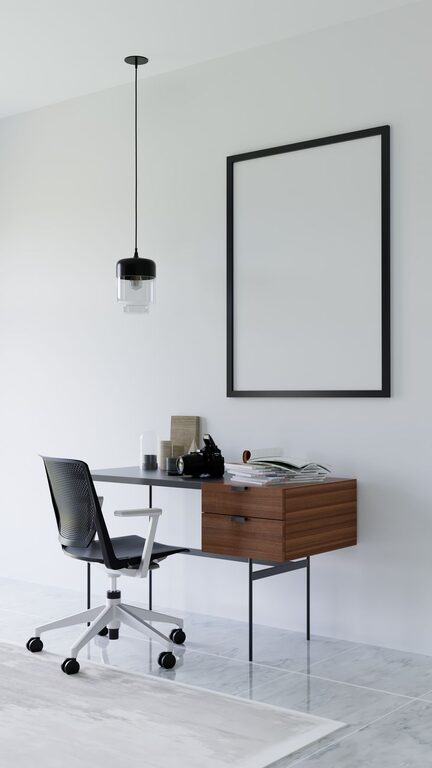



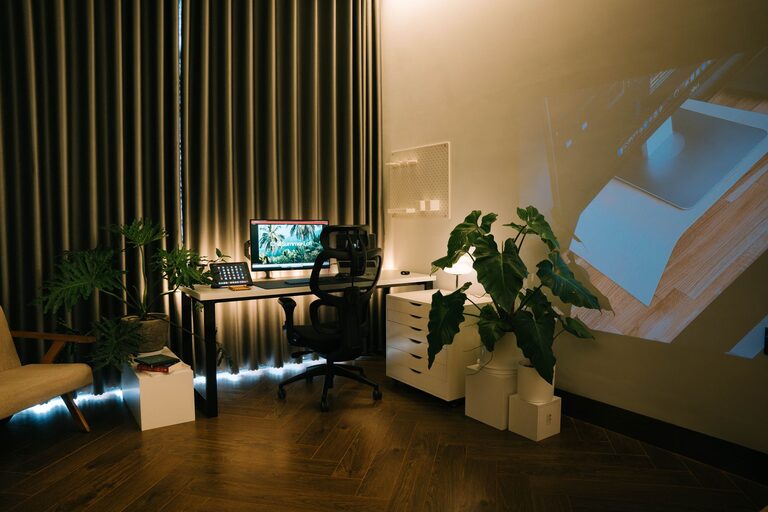
Creating a relaxing home workspace is essential for anyone who spends a significant amount of time working from home. A calm and inviting environment not only improves focus but also helps reduce stress and maintain a healthy work-life balance. Whether you have a dedicated office or a small corner in your living room, thoughtful design and organization can transform your workspace into a peaceful haven.
In this post, we’ll explore practical ways to create a relaxing home workspace that supports productivity and well-being.
Choose the Right Location
Consider Natural Light
Natural light can significantly impact your mood and energy levels. Try to set up your workspace near a window where you can enjoy daylight. If natural light is limited, invest in a quality desk lamp that mimics daylight to reduce eye strain.
Minimize Noise and Distractions
Select a quiet spot where you’re less likely to be interrupted. If noise is unavoidable, consider noise-canceling headphones or a white noise machine to help you focus.
Invest in Comfortable Furniture
Ergonomic Chair and Desk
Comfort is crucial for long working hours. Choose a chair that supports good posture with adjustable height and lumbar support. Pair it with a desk at a comfortable height to avoid strain on your wrists and back.
Keep It Clutter-Free
A clean and organized desk reduces stress and improves concentration. Use organizers, drawers, and cable management tools to keep your workspace tidy.
Add Soothing Elements
Incorporate Plants
Indoor plants bring a touch of nature indoors and have been shown to improve air quality and reduce stress. Choose low-maintenance plants like succulents, snake plants, or pothos to brighten your workspace.
Use Calming Colors
Colors influence mood, so opt for soft, neutral tones such as light blue, green, or beige. These colors create a soothing atmosphere that can help you stay calm and focused.
Add Personal Touches
Include a few personal items like photos, artwork, or inspirational quotes to make the space feel welcoming and uniquely yours. Just be careful not to overcrowd your desk.
Optimize Lighting
Layered Lighting
Good lighting combines ambient (general), task (focused), and accent lighting. Use overhead lights for overall brightness, a desk lamp for focused work, and perhaps a small decorative lamp or string lights for ambiance.
Avoid Glare
Position your computer screen perpendicular to windows to reduce glare. Use blinds or shades to control sunlight intensity when needed.
Maintain Good Air Quality
Ventilation
Keep your workspace well-ventilated by opening windows when possible. Fresh air can boost alertness and improve mood.
Air Purifiers
If outdoor air quality is poor, consider an air purifier to keep your environment clean and fresh.
Incorporate Movement and Break Areas
Stretching and Movement
Sitting for long periods can be tiring and harmful. Keep a yoga mat or stretching area nearby to encourage frequent movement breaks.
Break Zone
If space allows, create a small relaxation corner with a comfortable chair or floor cushion where you can take short breaks away from your desk.
Use Technology Wisely
Minimize Digital Clutter
Keep only the necessary apps and files on your computer desktop to avoid feeling overwhelmed.
Cable Management
Use clips, sleeves, or boxes to keep cables organized and out of sight, maintaining a clean workspace.
Keep a Routine for Tidiness
Daily Clean-Up
Spend a few minutes at the end of each workday tidying up. Put away documents, clear the desk, and prepare your space for the next day.
Weekly Deep Clean
Set aside time once a week for dusting, wiping surfaces, sanitizing your keyboard and mouse, and caring for plants.
—
By making a few simple changes and paying attention to your needs, you can create a relaxing home workspace that helps you stay productive and comfortable throughout the day. Remember, your workspace should work for you, so take the time to personalize it and adjust it as your needs evolve.