

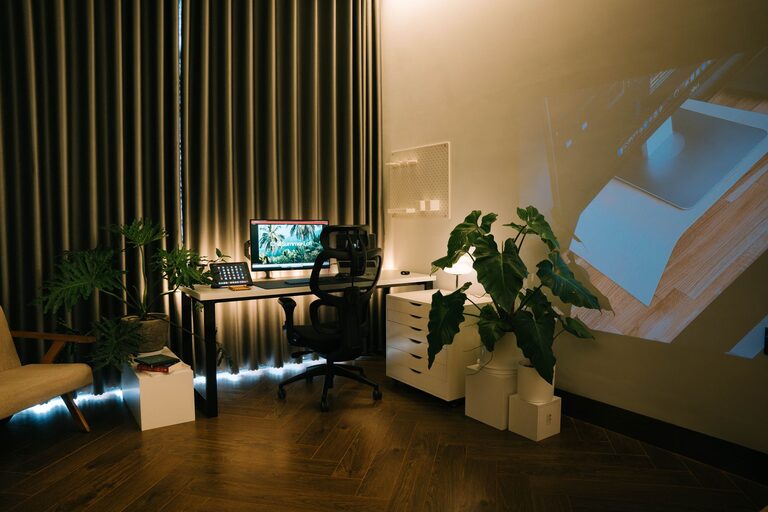




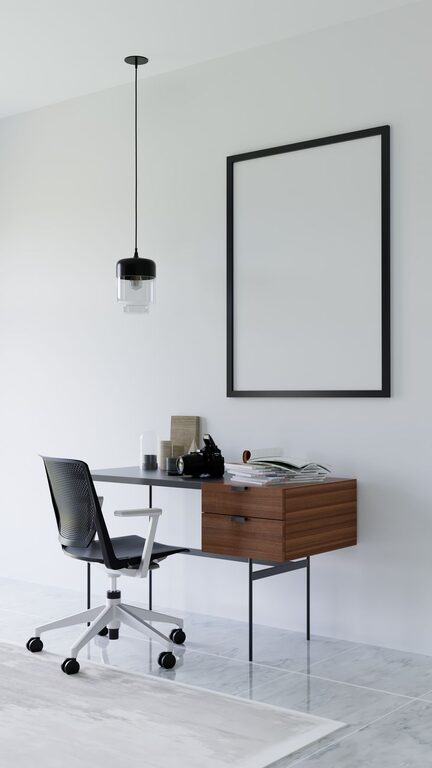

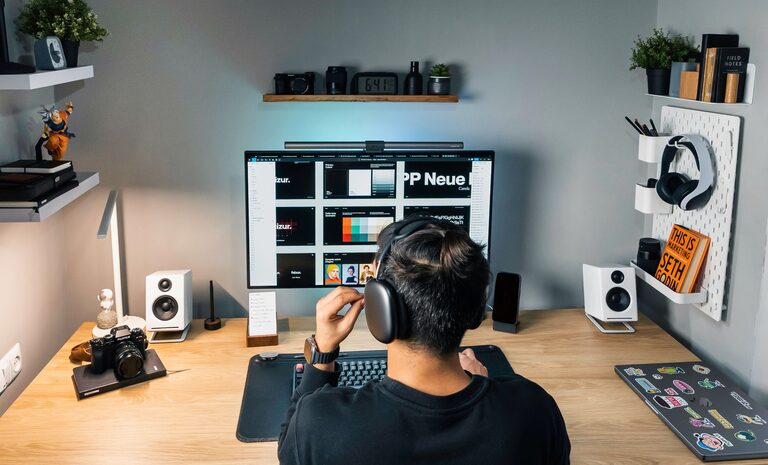
Creating a workspace that promotes both focus and comfort is essential for productivity and well-being, whether you’re working from home or in an office. A well-thought-out desk setup can reduce distractions, prevent physical strain, and foster a positive mindset that helps you get tasks done efficiently. In this post, we’ll explore practical tips to help you design a desk area that supports your best work.
Why Your Desk Setup Matters
Your desk setup influences how you feel and perform throughout the day. Poor ergonomics can cause discomfort or fatigue, while clutter and distractions can break your concentration. By optimizing your workspace, you create the foundation for sustained focus and physical ease.
Choosing the Right Desk and Chair
Pick an Adjustable Chair
Comfort starts with your chair. Look for one that:
– Supports your lower back with lumbar support.
– Has adjustable height, armrests, and backrest.
– Allows your feet to rest flat on the floor or a footrest.
Sitting with proper posture reduces muscle strain and helps you maintain focus longer.
Select a Desk at the Right Height
Your desk should allow your elbows to rest comfortably at about a 90-degree angle when typing or writing. Standard desks are usually around 29 inches high, but adjustable desks or sit-stand converters can provide more flexibility to find your ideal height.
Position Your Monitor for Eye Comfort
Screen placement is key to preventing eye strain and neck discomfort.
– Position your monitor about an arm’s length away from your eyes.
– The top of the screen should be at or slightly below eye level.
– Tilt the screen slightly backward (10-20 degrees) for comfortable viewing.
If you use multiple monitors, angle them inward to reduce excessive head turning.
Organize Your Desk to Minimize Distractions
A cluttered workspace can hamper focus. Use these strategies to keep your desk neat:
– Use drawer organizers or desk trays to sort stationery and small items.
– Keep only essential items on your desktop to maintain visual calm.
– Use cable management tools to prevent cords from tangling.
– Add a small desk plant or photo frame for a personal touch without clutter.
Optimize Lighting for Comfort
Proper lighting is often overlooked but vital for both focus and comfort.
– Use natural light when possible to reduce eye fatigue.
– Position your desk so light comes from the side rather than directly in front or behind your screen.
– Use a desk lamp with adjustable brightness and color temperature to match the time of day.
Avoid harsh overhead lighting that can cause glare or shadows.
Incorporate Ergonomic Accessories
Small accessories can make a big difference in comfort:
– Keyboard and Mouse: Choose ergonomic designs that support natural hand positions.
– Wrist Rests: Cushioned rests can reduce wrist strain during typing.
– Footrest: Helps maintain proper posture if your feet don’t reach the floor.
– Monitor Stand: Raises your screen to the correct height if your desk or monitor isn’t adjustable.
Create Zones to Support Workflow
Design your desk area with different zones to make working smoother:
– Primary Work Zone: Where your keyboard, mouse, and monitor are.
– Reference Zone: Space for documents, notebooks, or tablets you use frequently.
– Supply Zone: Storage for pens, sticky notes, chargers, and other tools.
Having everything in designated areas reduces time looking for items and keeps your focus on tasks.
Add Personal Comfort Enhancements
Comfort isn’t just physical—it’s also about creating a space you enjoy.
– Use a comfortable chair cushion or lumbar pillow if needed.
– Keep a water bottle nearby to stay hydrated.
– Use noise-cancelling headphones or ambient sound apps if your environment is noisy.
– Choose calming colors or décor to reduce stress and enhance mood.
Regularly Review and Adjust Your Setup
Your needs might change over time, so revisit your desk setup periodically:
– Adjust chair or desk height as needed.
– Swap out accessories that don’t work well.
– Refresh your organization system to stay clutter-free.
– Take breaks to stretch and move, preventing stiffness.
Conclusion
Optimizing your desk setup for both focus and comfort is a worthwhile investment in your productivity and well-being. By choosing the right furniture, arranging your workspace thoughtfully, and adding ergonomic touches, you’ll create a workspace that helps you perform your best with less strain and distraction. Start with a few small changes today and enjoy the benefits of a well-designed desk setup.